Scrap Dragon Help
Shortcuts
| Welcome to SDX Help > Shortcuts |
To the right of the module buttons on the Main Menu are Shortcuts. These shortcuts may be user defined and customized for your yard’s needs.
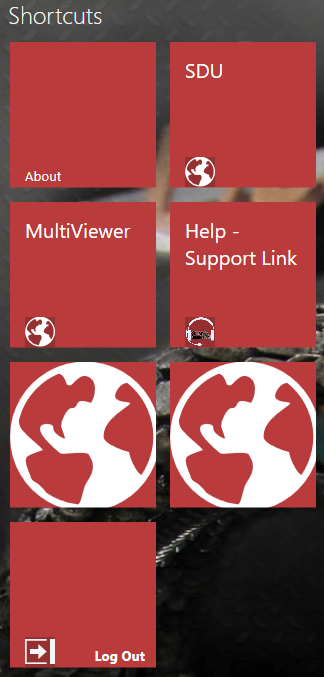
The Shortcuts shown above are described.
| Shortcut | Description |
| About |
When the About button is touched, the Scrap Dragon version is shown. It is important to know this information when you call in for support.
|
| Multi-Viewer |
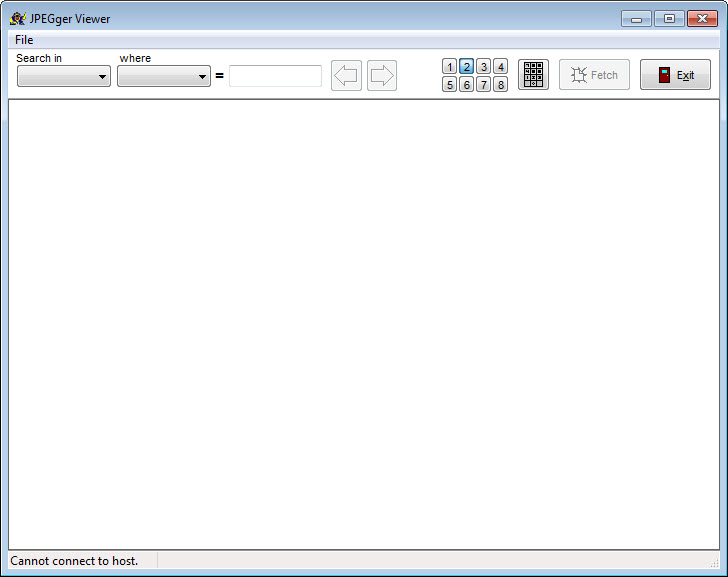
The JPEGger viewer opens and you can search for an image. |
| Help - Support Link | When this button is touched, a web page opens to start a support session. |
| Help – SDU | When this button is selected, you will be taked to Scrap Dragon University for Help Files, e-Learning videos, and the latest release notes. |
| Logout | Logout of Scrap Dragon. |
To customize shortcuts, press Administrator menu from the main screen. Click on "Shortcuts". You can add and edit shortcuts on this screen.
.png)